Your students can finally see what you're playing.
Record lessons with a live key overlay. Stream to students in real-time or share recordings after class.
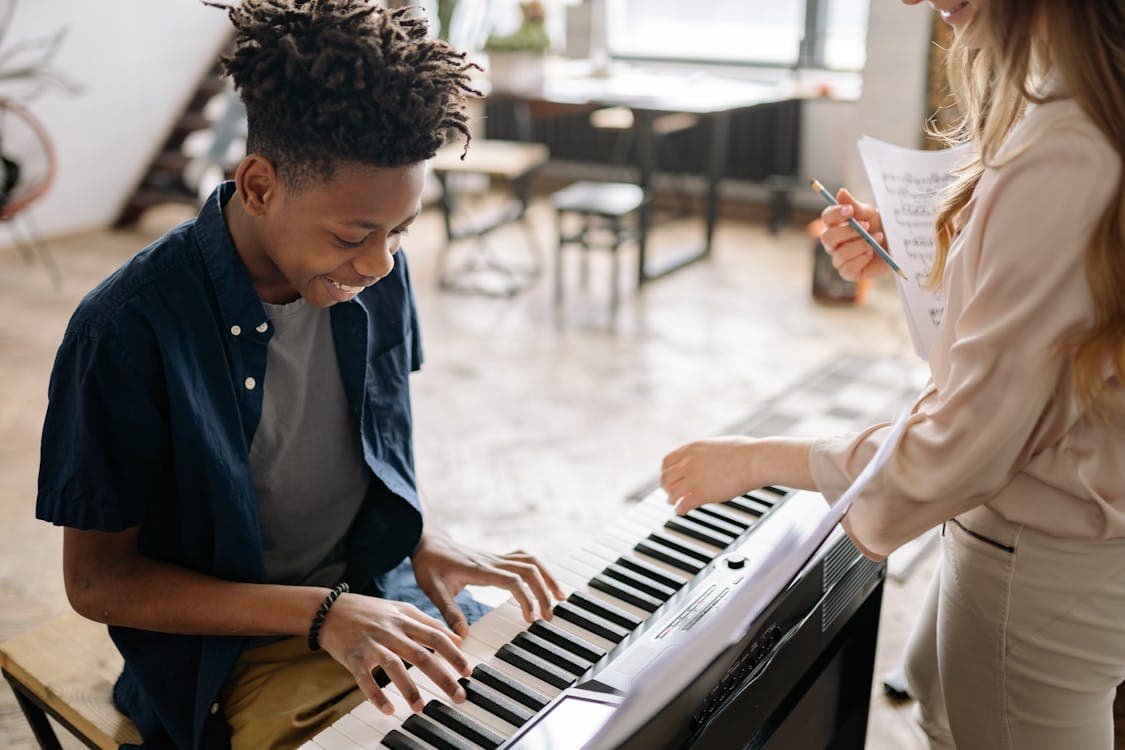
You’re teaching over Zoom. You angle your webcam at the keyboard, but students only see your hands — not which keys you’re pressing. “Was that a C sharp or a D?” they ask. You’ve thought about visualization apps, but they seem designed for performers, not teachers.
You play a passage, and every key lights up on screen under your camera feed. Your student doesn’t squint at your fingers. They see the notes. They pause the recording and review. “Oh, THAT’s where the B flat goes.” You didn’t spend time setting it up. You just pressed Record.
Key Capture gives piano teachers a visual overlay that shows every note in real-time. Record lessons and send them to students. Or stream live over YouTube for remote teaching. No editing software. No second camera. Just teach.
Record standardized lessons once, share with all students.
Unlisted YouTube streams for private remote lessons.
Record practice sessions and review side by side.
Built for the classroom.
Local Recording
Record directly to your Camera Roll. Share instantly.
Live Streaming
Stream lessons live for remote teaching.
Bluetooth MIDI
No cables cluttering your teaching space.
Any MIDI Keyboard
Works with whatever keyboard you already have.
Also see: Key Capture for Streamers | Key Capture for Players
Ready to transform your lessons?
Download Key Capture and give your students a visual overlay they can actually follow.
Download on the App Store